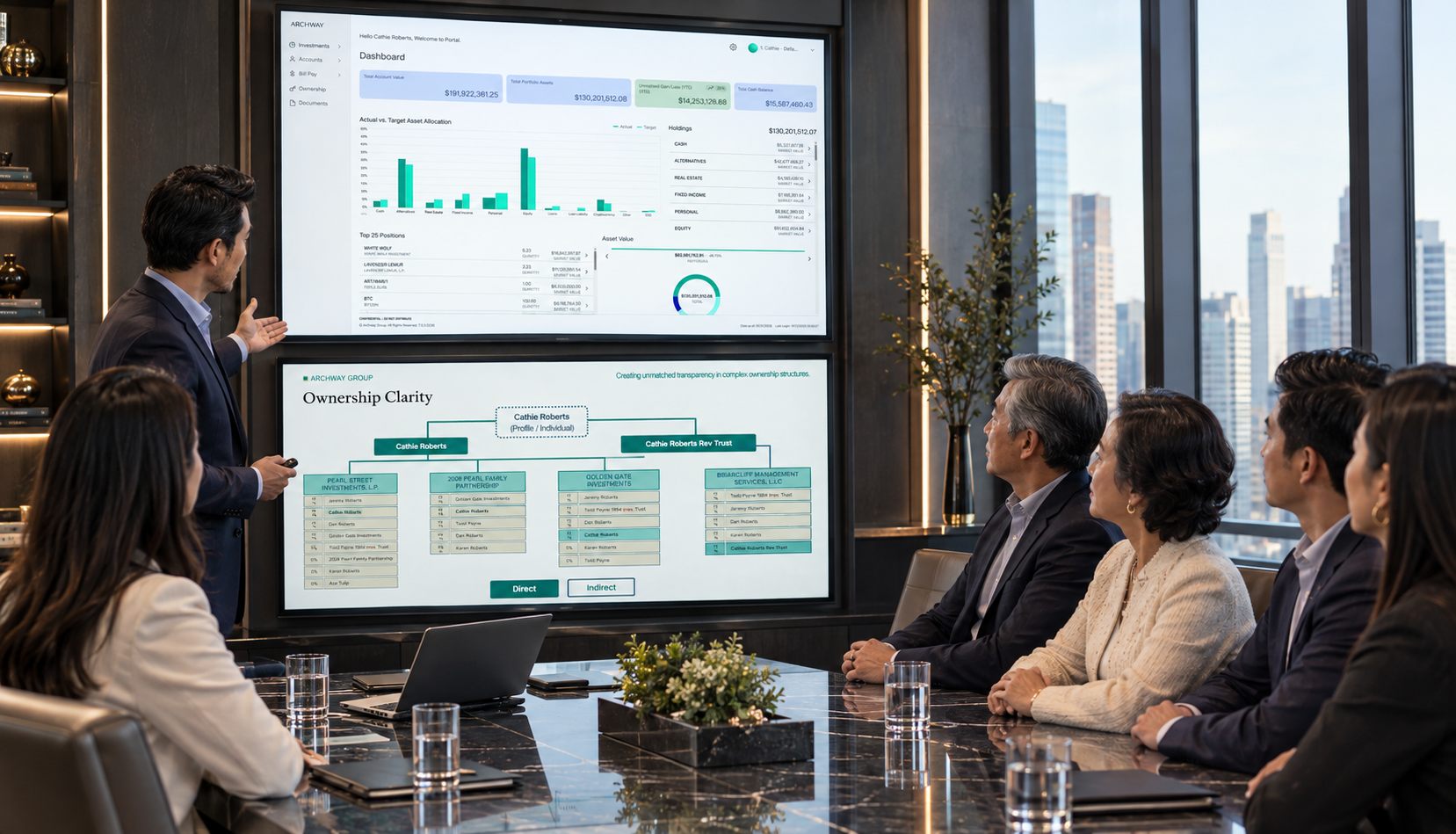




Client Portal
The client sees your firm. The portal runs on ours.
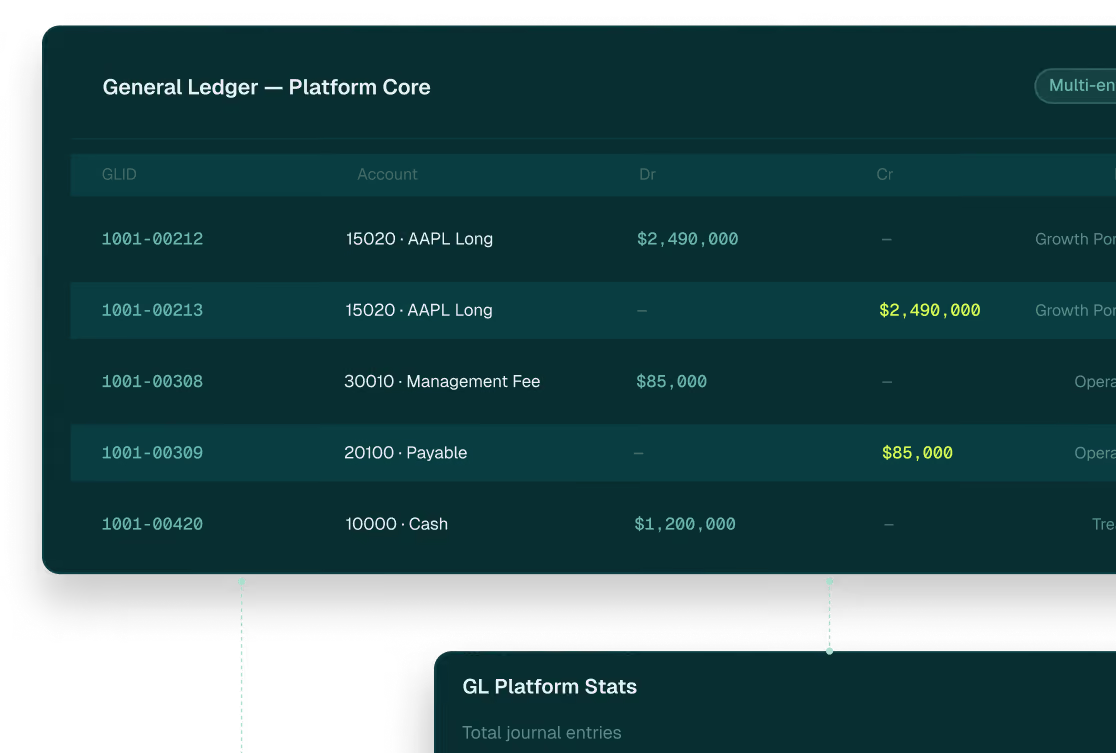
Your colors and firm's name on every screen. Numbers from the same general ledger that closes the books.
The problem we're solving
The book of record and the client portal shouldn't be two different products.
Most firms running wealth for principals, families, and institutional clients hold their book of record in one platform and deliver client access through another. The book of record closes. The data has to move. Synced from the accounting system to the reporting layer. Pushed to the portal. Every step in that chain is a place where the number can drift. By the time the client sees it, the books may already say something different. When the numbers don't match, the relationship manager is the one explaining why.

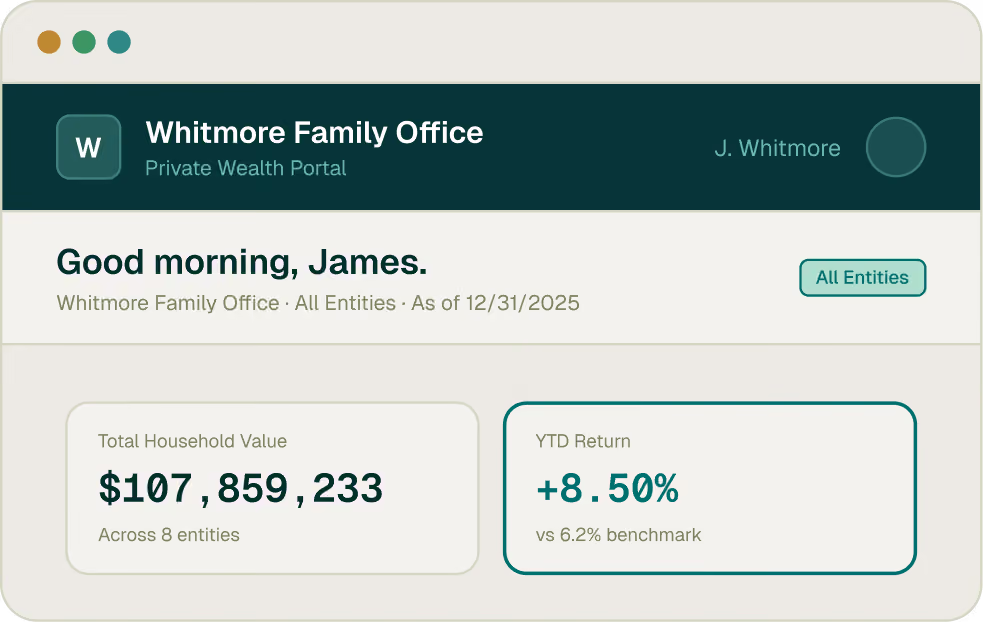
The portal should not be a downstream copy of the truth. It should be a client-facing view of the same source the books run on.
How it works
One book of record. One client view. Four capabilities that deliver it.
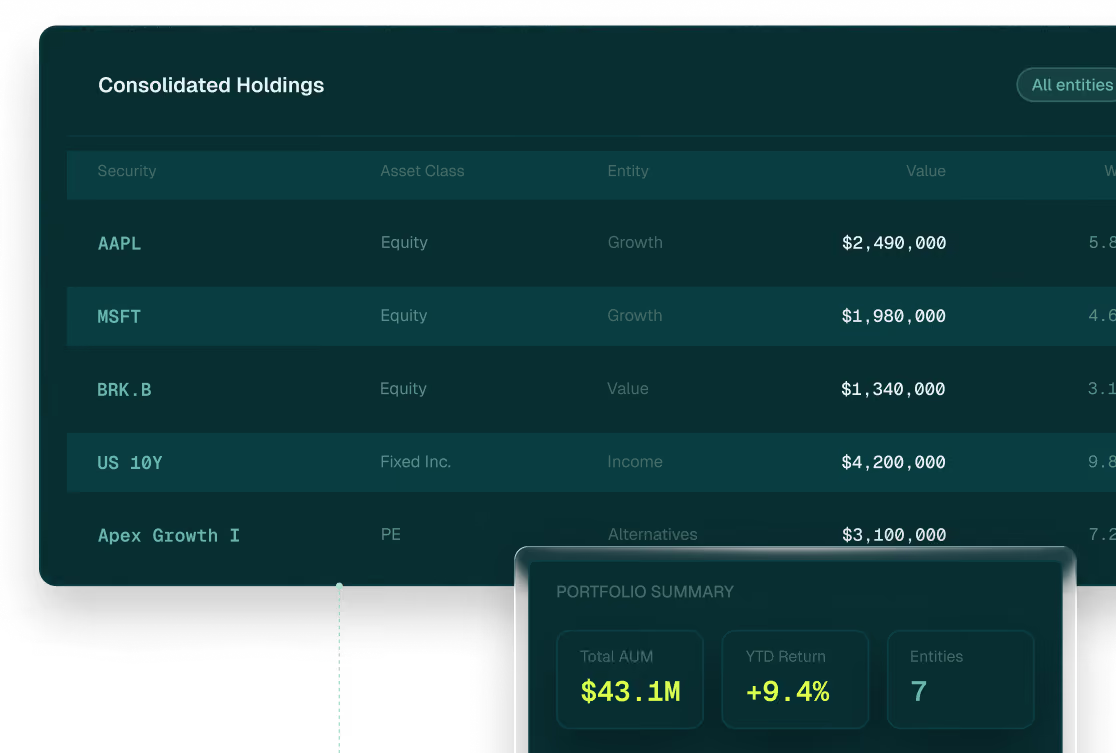
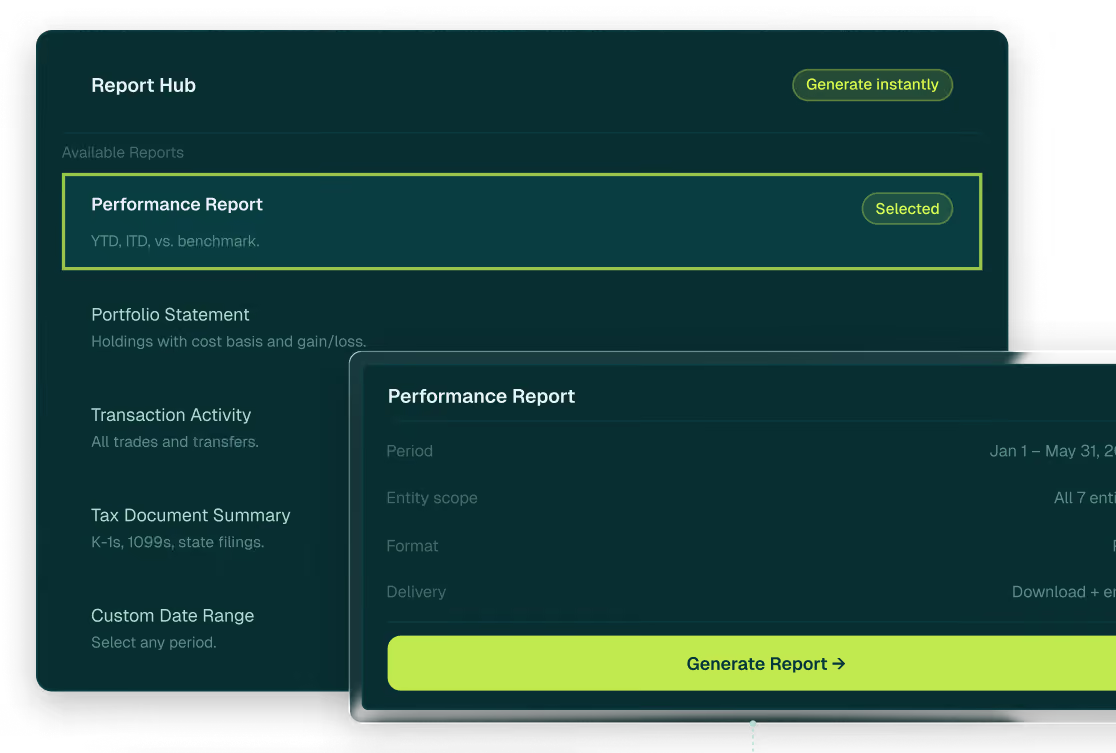
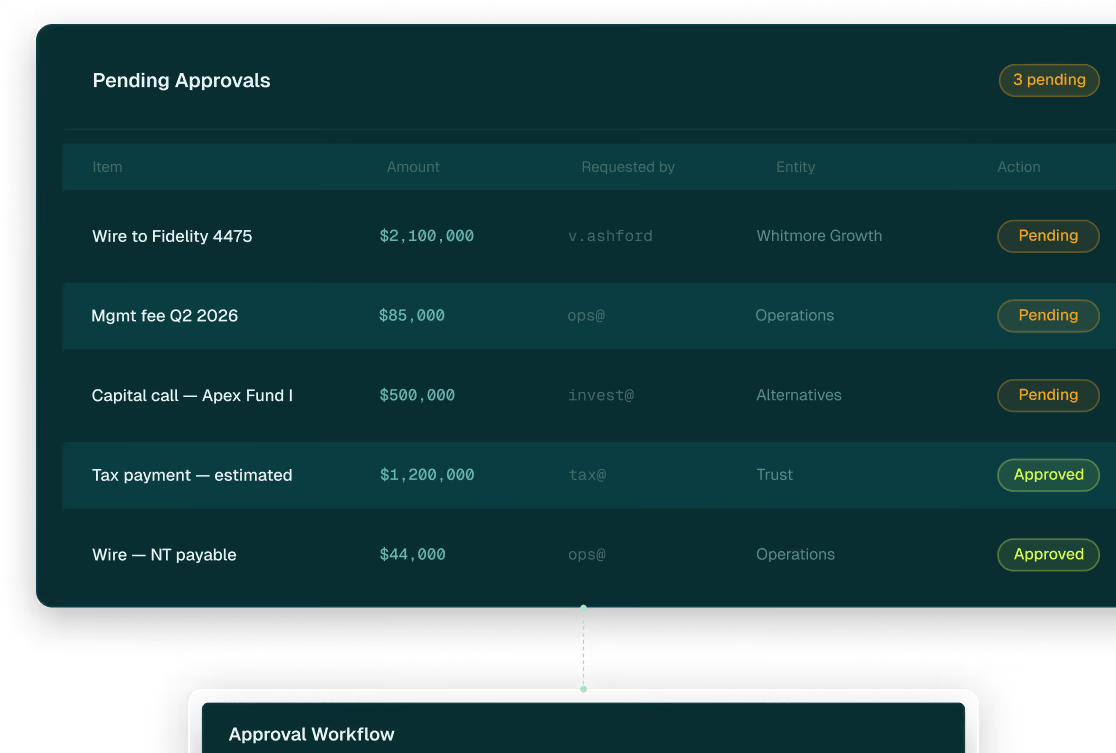
Every capability runs from the same general ledger that closes the books. What the client sees and what the books hold are always the same number. No sync. No separate schedule. No reconciliation step between the source and the screen.



Three ways to run the portal
The model changes how the work is divided. What the client sees doesn't change.
Every firm runs on the same platform, the same general ledger, the same book of record, regardless of how they choose to deploy. The three models reflect different operational arrangements, not different tiers of access. The end client sees the same portal, branded to your firm, in every model.
Technology
Your team runs the portal. Archway provides the platform.
Your operations team manages report production, data approval and publishing, user setup and access management, and portal support with full access to the general ledger and every capability the platform carries. Archway provides implementation, ongoing platform support and a dedicated client team. The work stays in-house. The infrastructure is ours.
Outsourced
Archway's team runs the portal operations.
Archway manages report production, data review and approval, publishing to the portal and user support all behind your firm's brand. Your team reviews and signs off before anything reaches the client. The client sees your firm. The work happens behind the scenes.
Hybrid
Your team runs what you choose. Archway runs the rest.
The division is defined by your operation, not by what the platform supports. Some firms keep report approval and client communications in-house and hand off aggregation, user management and portal support to Archway. Others split it differently. Because both teams work on the same general ledger, there is no handoff, no version gap, no reconciliation step between what your team produces and what the client sees.
Who runs the portal
Four audiences. One book of record. The brand the client sees is yours.
Single family offices, multi-family offices, private banks, and private fund managers all deliver to their end clients through the Archway Client Portal with the same general ledger, same book of record, same architecture underneath. The brand the client sees is always the firm's own.
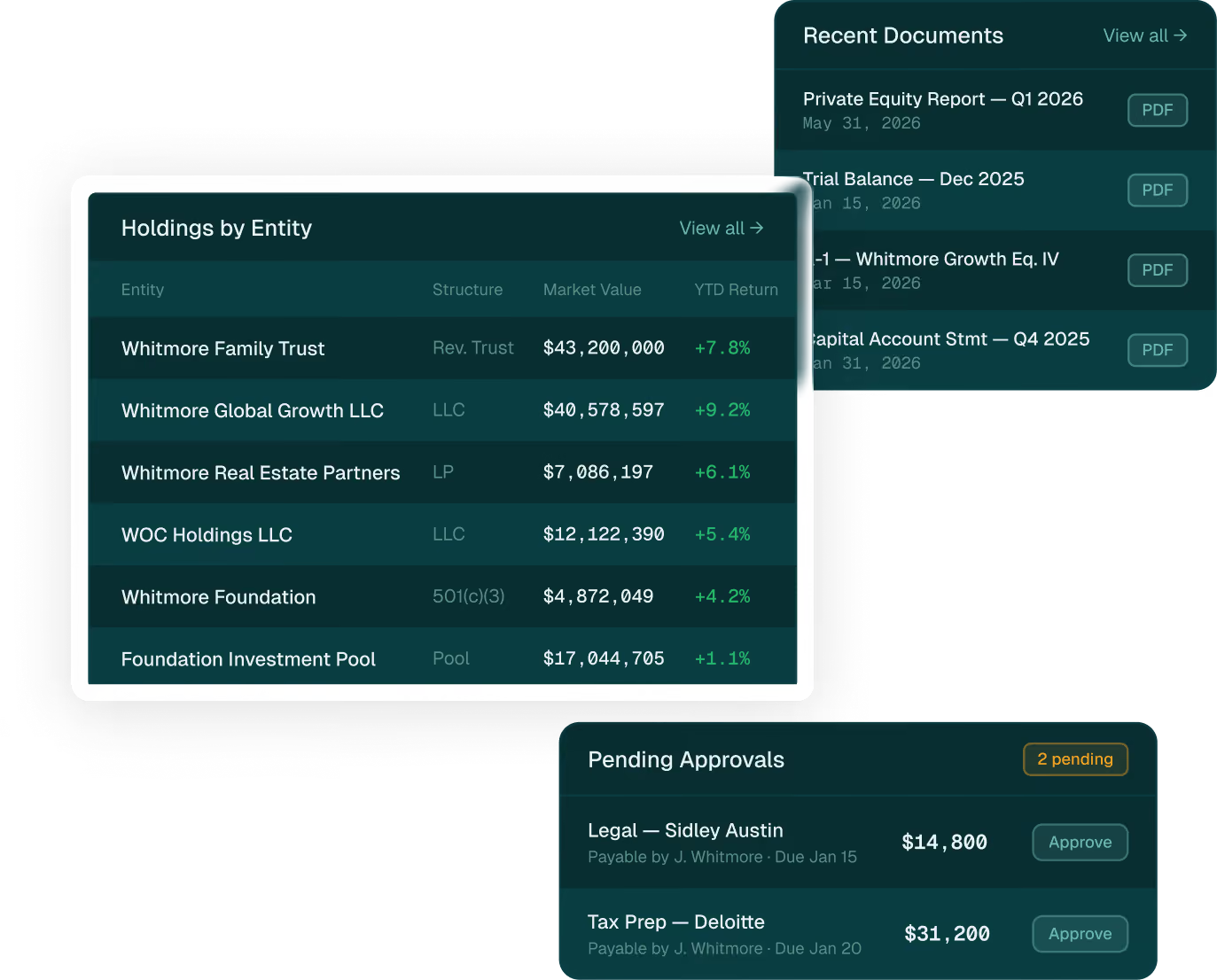
The portal reflects the full complexity of the family's wealth, under the family office brand.
Every entity, every account, every asset class in one consolidated view. Configured per family member. G1 sees the complete picture, G3 sees the data they want to analyze, trustees see what they're authorized to see. Invoice approvals routed directly through the portal. The family office brand on every screen. Archway invisible.




Clients stay for the team
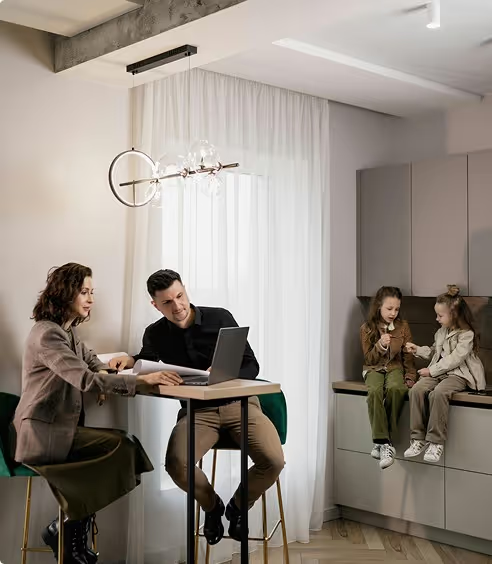
"When servicing sophisticated clients with the highest standards, a best-in-class solution is essential. Archway enables our team to deliver that. Combining a powerful technology and an exceptional white-glove support enables us to confidently navigate clients' unique complexities and consistently deliver exceptional results."
Private Bank
·
Senior Vice President


FAQ's
The questions we hear most. Answered directly.
Can you white-label the portal?
Yes, the portal can carry your firm's name and color palette.
What does the portal show clients?
The portal gives clients a consolidated view across public and private markets, liquid and illiquid assets, and held-away and managed positions. Performance reporting, statements, and documents can be made available on demand across devices. Views can be configured by client, family member, trustee, advisor, or other authorized user so each person sees the information appropriate for them.
Can invoices and payments be approved through the portal?
Yes. Invoice approvals route directly through the portal to the appropriate assigned approver based on your firm’s approval-rule workflows. Every approval is documented, and every action leaves an audit trail in the same system as the general ledger.
How does the portal display on different devices?
The portal is built for mobile, tablet, and desktop access, delivering a consistent branded experience across devices.
Can our team run the portal, or does Archway operate it?
Either model is available, or the engagement can combine both. In a technology model, your team runs the portal. In an outsourced services model, Archway manages portal operations behind your firm’s brand. In a hybrid model, responsibilities are divided based on your operation. The split is defined by how your team wants to work, not by limitations in the platform.
How is Archway different from other client portal and reporting platforms?
Archway is differentiated by the connection between the client portal, the general ledger, and the operating model behind it. The portal draws from the same book of record that supports accounting and reporting. For firms serving complex families, institutions, and UHNW clients, this creates a more connected client experience under your firm’s brand.
Start the conversation
Tell us about your current portal setup including what your clients see today, where the gaps are, what you're trying to solve.
We'll come to the conversation with a point of view on how the Archway Client Portal fits your operation.

PERSPECTIVEs
Reading for Firms Evaluating Client Portal and Digital Delivery